Apple Watch Wallpaper App
Apple Watch Wallpapers
That Actually Fit
Custom AI wallpapers designed specifically for Apple Watch and Apple Watch Ultra.
No random crops. No stretched images. No visual clutter.





Why most watch wallpapers look terrible
They were made for phones. Cropped to fit. Stretched to fill. Your watch deserves better.
AI-generated for Watch
Every wallpaper is created from scratch by AI at the exact pixel resolution your Apple Watch requires. Not resized. Not cropped.
See styles →All watch sizes supported
Series 4 through 10, SE, and Ultra. Each model gets its native resolution. Complications and bezels accounted for.
Size guide →Your style, your watch
Minimal, cyberpunk, luxury, nature, cosmos, abstract. Pick a category or describe what you want. AI creates it.
Explore styles →Wallpaper styles
Every style is built to look premium on a small screen. Tap to browse.
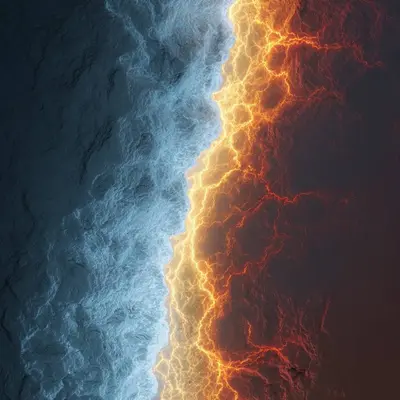

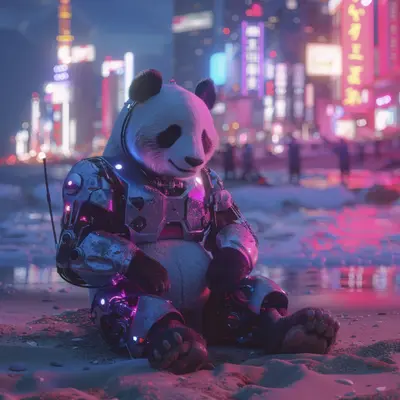

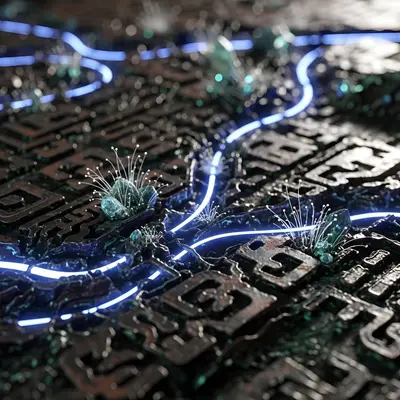


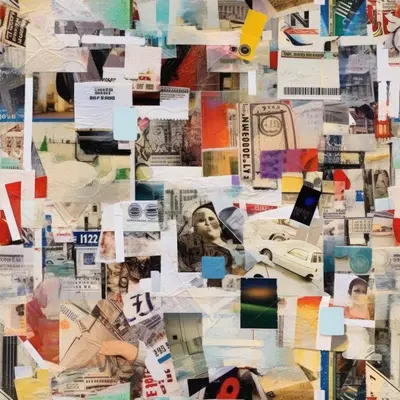
Built specifically for Apple Watch
Your watch deserves better than a cropped iPhone photo.
Questions and answers
What is the best wallpaper size for Apple Watch?
It depends on your model. Apple Watch Series 9 (45mm) uses 396×484 pixels, Ultra uses 410×502. WatchWalls AI generates the correct size automatically. See our size guide.
Does it work with Apple Watch Ultra?
Yes. Dedicated mode for Ultra and Ultra 2 with 410×502 resolution and flat-edge alignment.
Can I use iPhone wallpapers on Apple Watch?
You can, but they almost always look bad. Wrong aspect ratio means cropping, stretching, or black bars. WatchWalls AI generates at exact watch resolution.
Why do cropped images look bad on Apple Watch?
Small screens with unusual aspect ratios. Cropping loses composition and balance. Purpose-built wallpapers avoid these problems.
Are the wallpapers generated by AI?
Yes. Every wallpaper is generated from scratch. Choose a style or describe what you want, and AI creates a unique wallpaper for your watch.
Can I customize colors and patterns?
Yes. Describe colors, themes, or moods in plain text. The AI generates a matching wallpaper. Regenerate until it feels right.
Do wallpapers affect battery life?
No. Static wallpapers use the same power as default faces. Displayed only when you raise your wrist.
How do I set a wallpaper on my watch?
Generate in WatchWalls AI, save to camera roll, then set via the Watch app on iPhone. Step-by-step guidance included. Full guide.
Is WatchWalls AI free?
Free to download with free credits to start. Unlock All is a one-time purchase, not a subscription.
What does Unlock All include?
Unlimited generation across all styles, priority processing, and new categories as they launch.
Create your first
Apple Watch wallpaper
Choose a style. AI generates it. Set it on your watch. Takes seconds.
Download Free on App Storeor search WatchWallsAI in the App Store